01
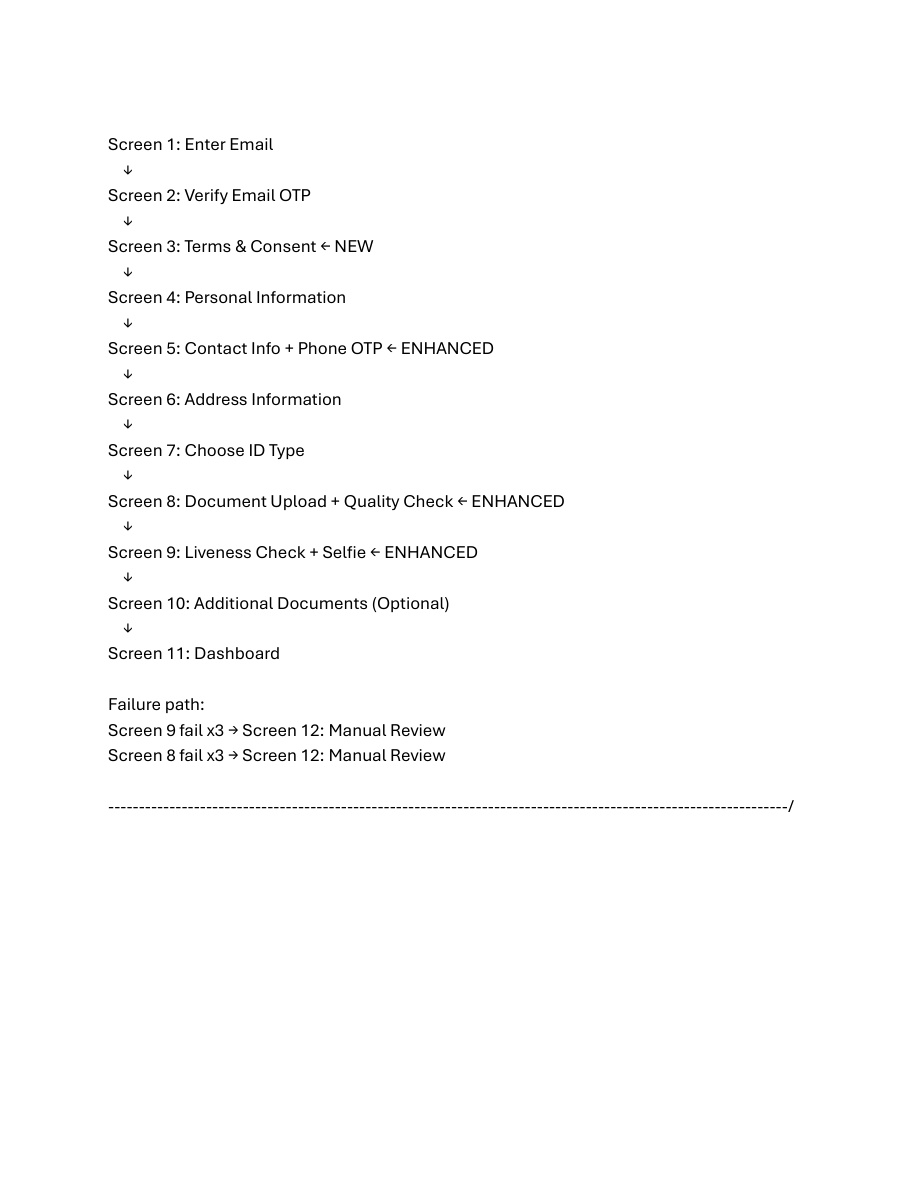
Welcome screen
Branded splash. App identifies itself and opens onto a one-tap start.
A four-step intake plus a three-step KYC, then the AI score reveal. UpKYC keeps that score current in the background for as long as you keep the app installed.
The compressed view — how a new user gets onboard and scored.
Install UpKYC. Open. No password — your device is your key.
Capture government ID + a liveness selfie. AI does the matching.
Address, profession, purpose. Geolocation + structured fields.
Sanctions overlay, behavioural baseline, risk band — one number.
Consent-based sharing with banks, regulators or DNFBPs.
Real pages from the UpKYC system-flow specification — the design your end-users will actually see.
Branded splash. App identifies itself and opens onto a one-tap start.
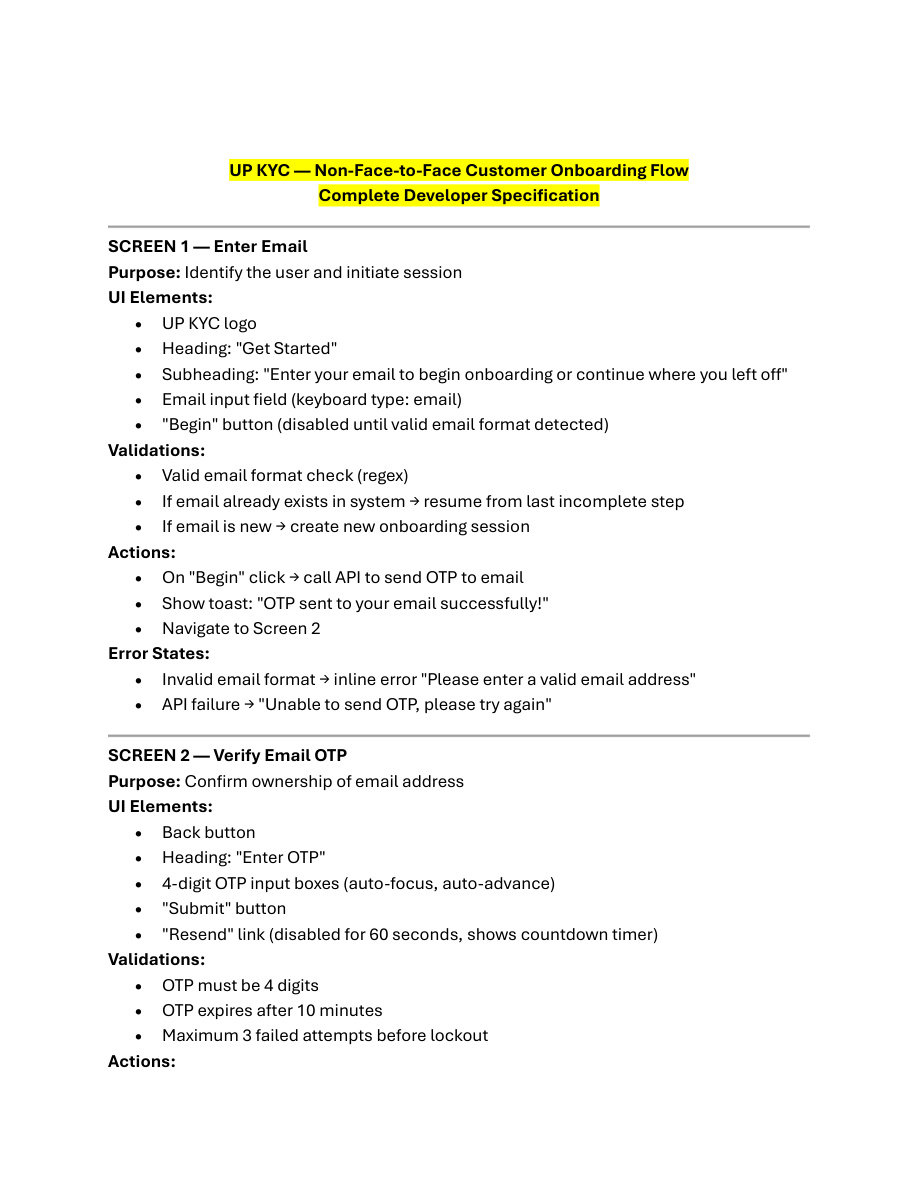
Phone number, email + OTP. No password to forget — your device is your key.
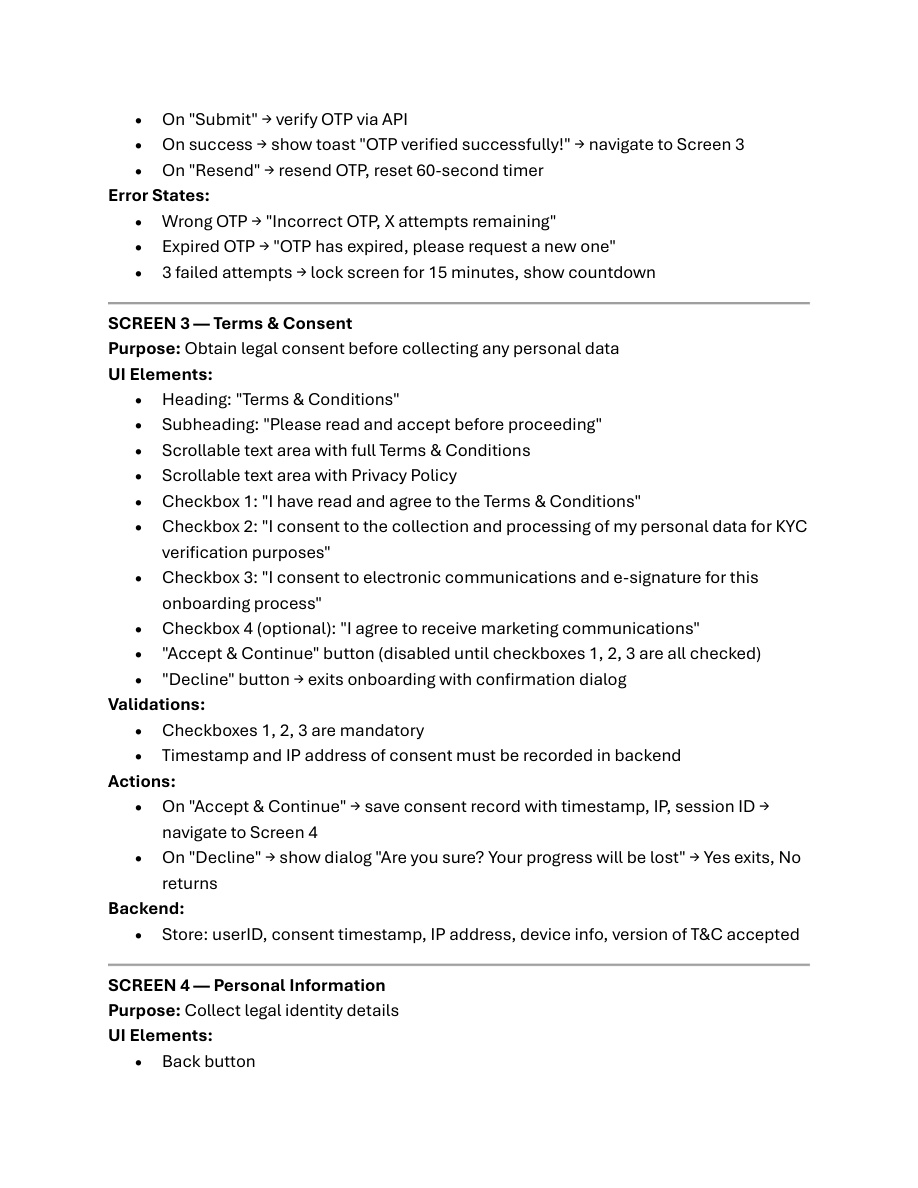
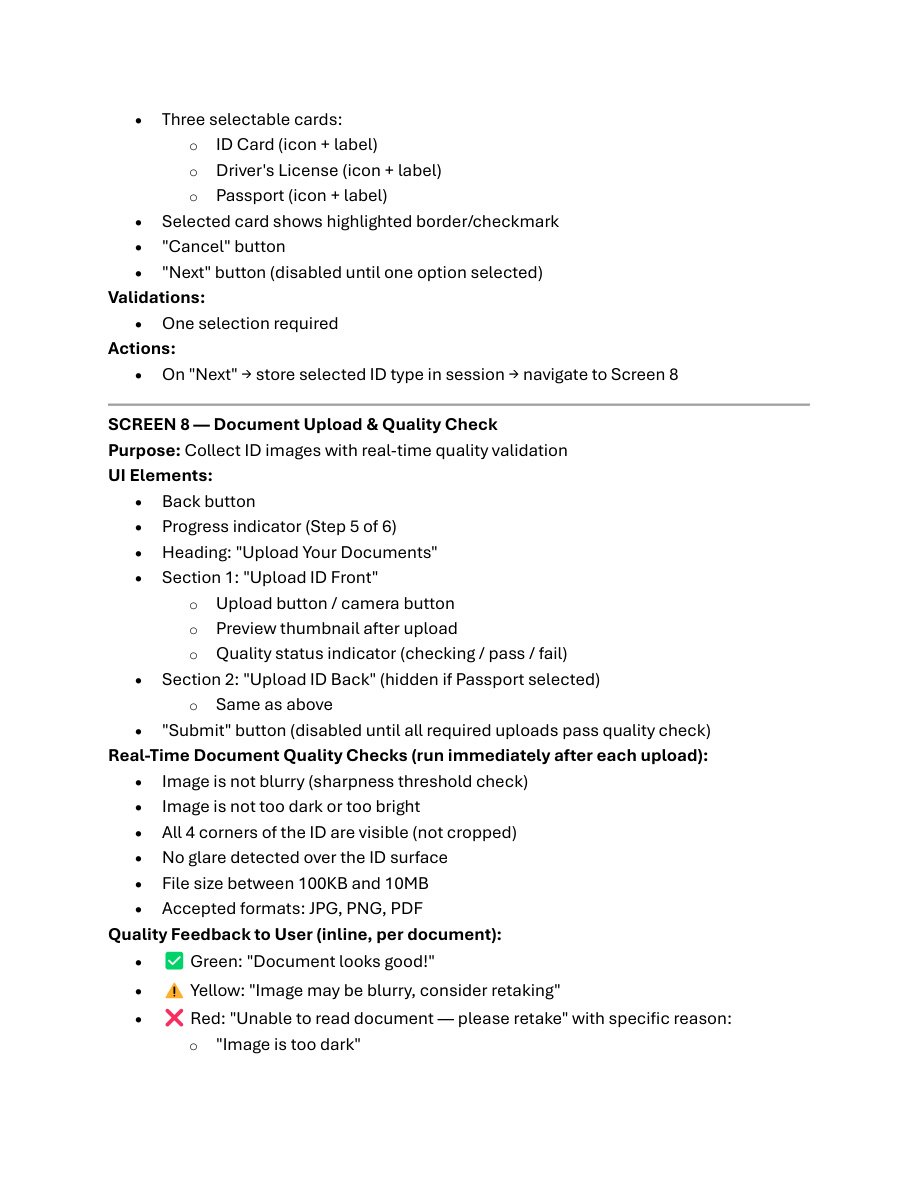
Government-issued ID front + back. On-device camera with auto-frame and glare detection.
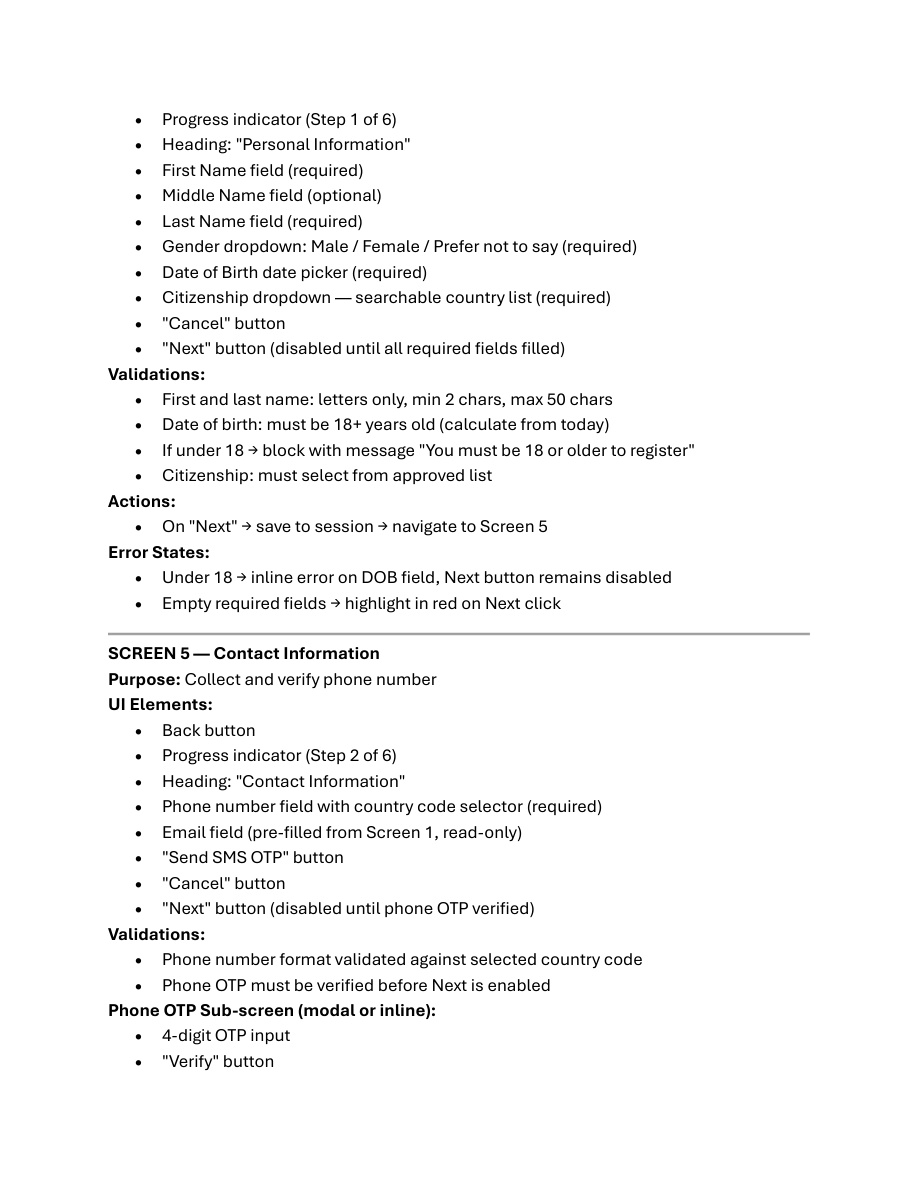
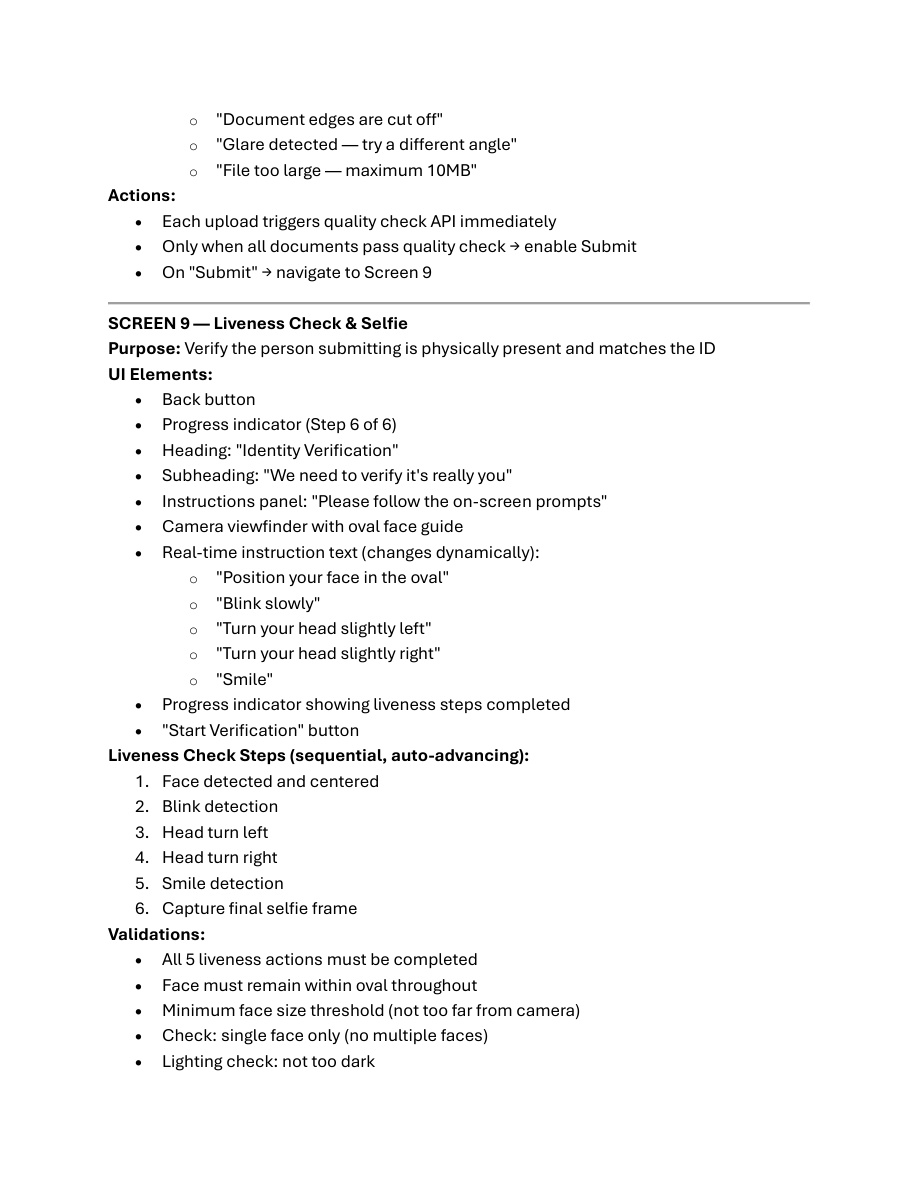
Face-frame guided selfie. Anti-spoofing checks for deepfake and injection before the case is created.
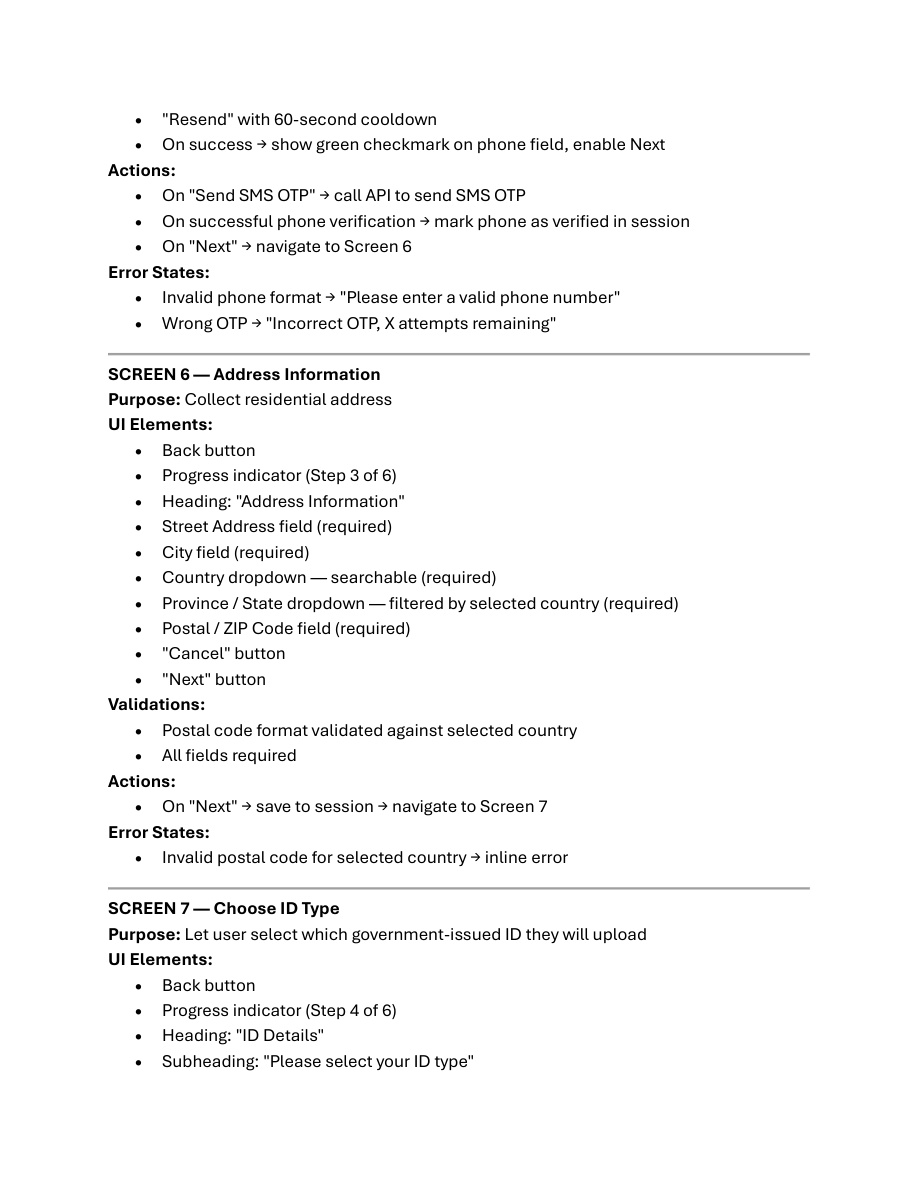
Geolocation pin + structured address. Job, industry and source of funds feed the risk model.
Identity is cross-checked against live OFAC / UN / EU / OSFI lists and tiered PEP databases.
AI builds your composite risk band from identity, geography, profession, channel and behavioural signals.
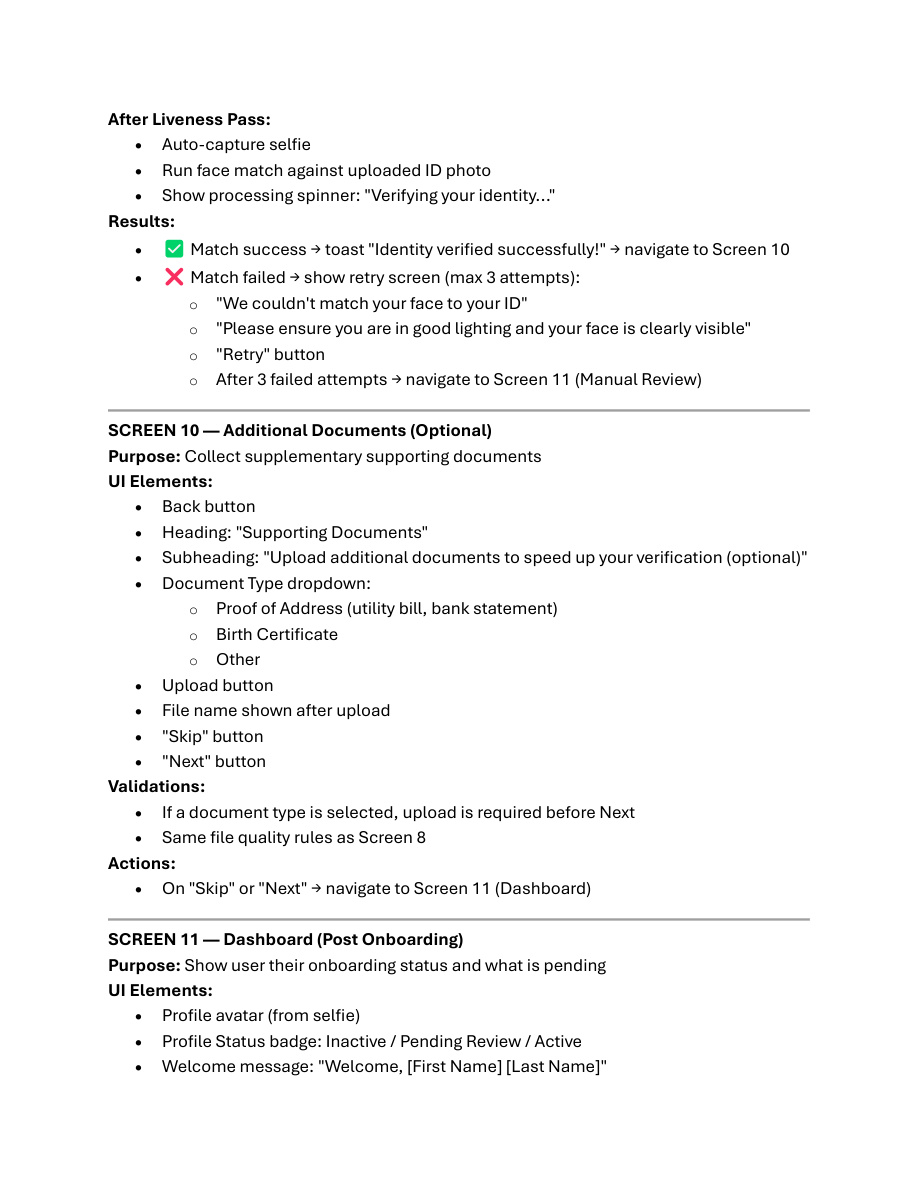
Your score and its driver bars. Each signal carries the reason it changed the number.
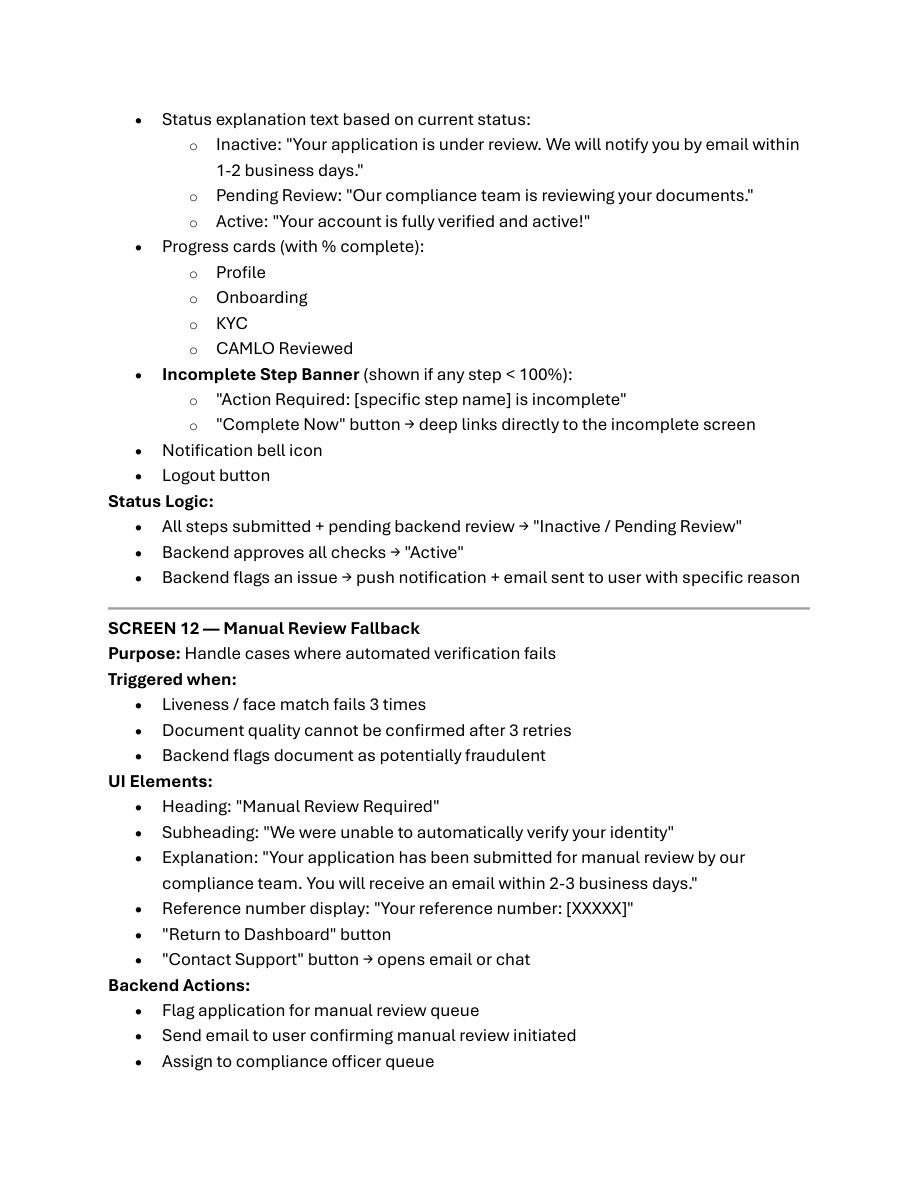
Tap to share with a bank, exchange, broker or regulator. Every share is logged in the consent ledger.
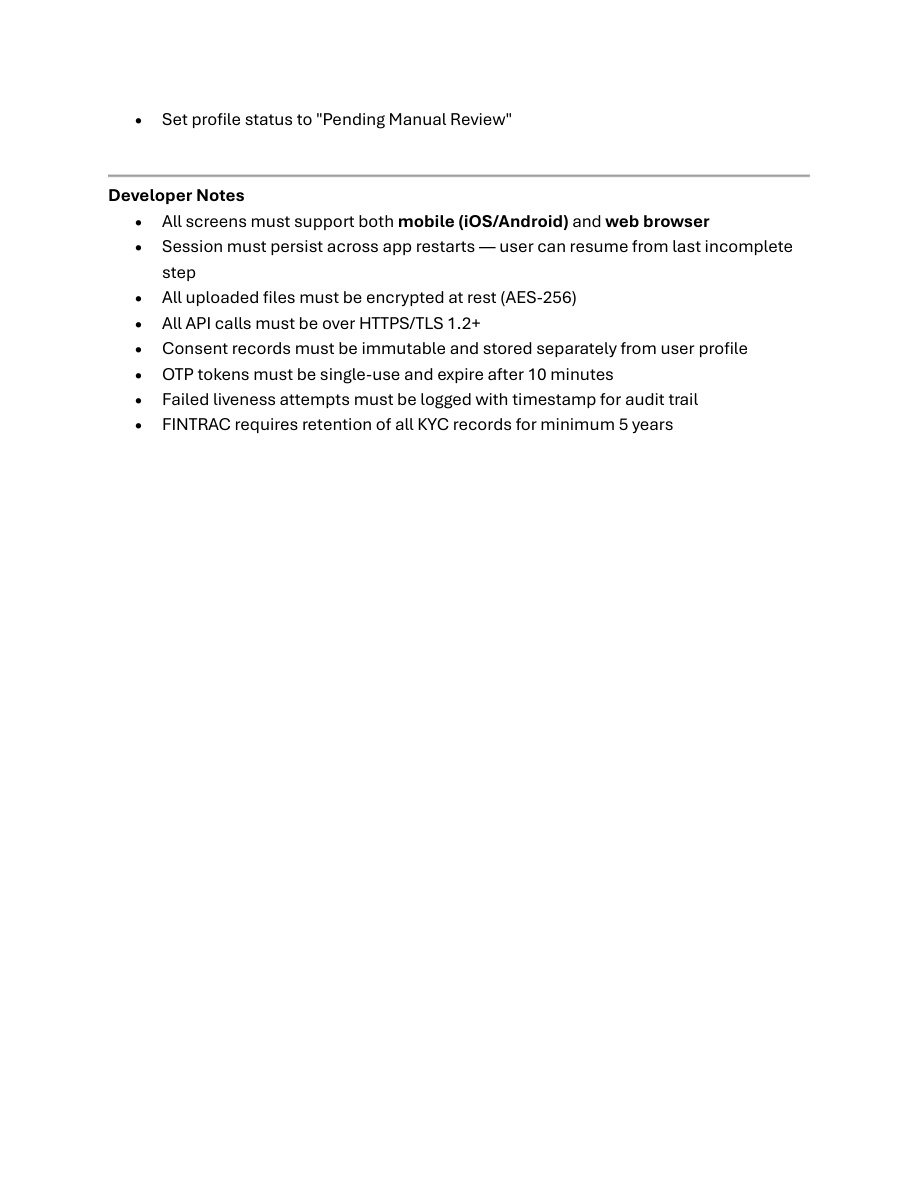
Background updates whenever lists, public records or transaction patterns change your profile.
We'll provision a sandbox tenant with your branding and risk-band rules. You onboard a test customer end-to-end in twenty minutes.